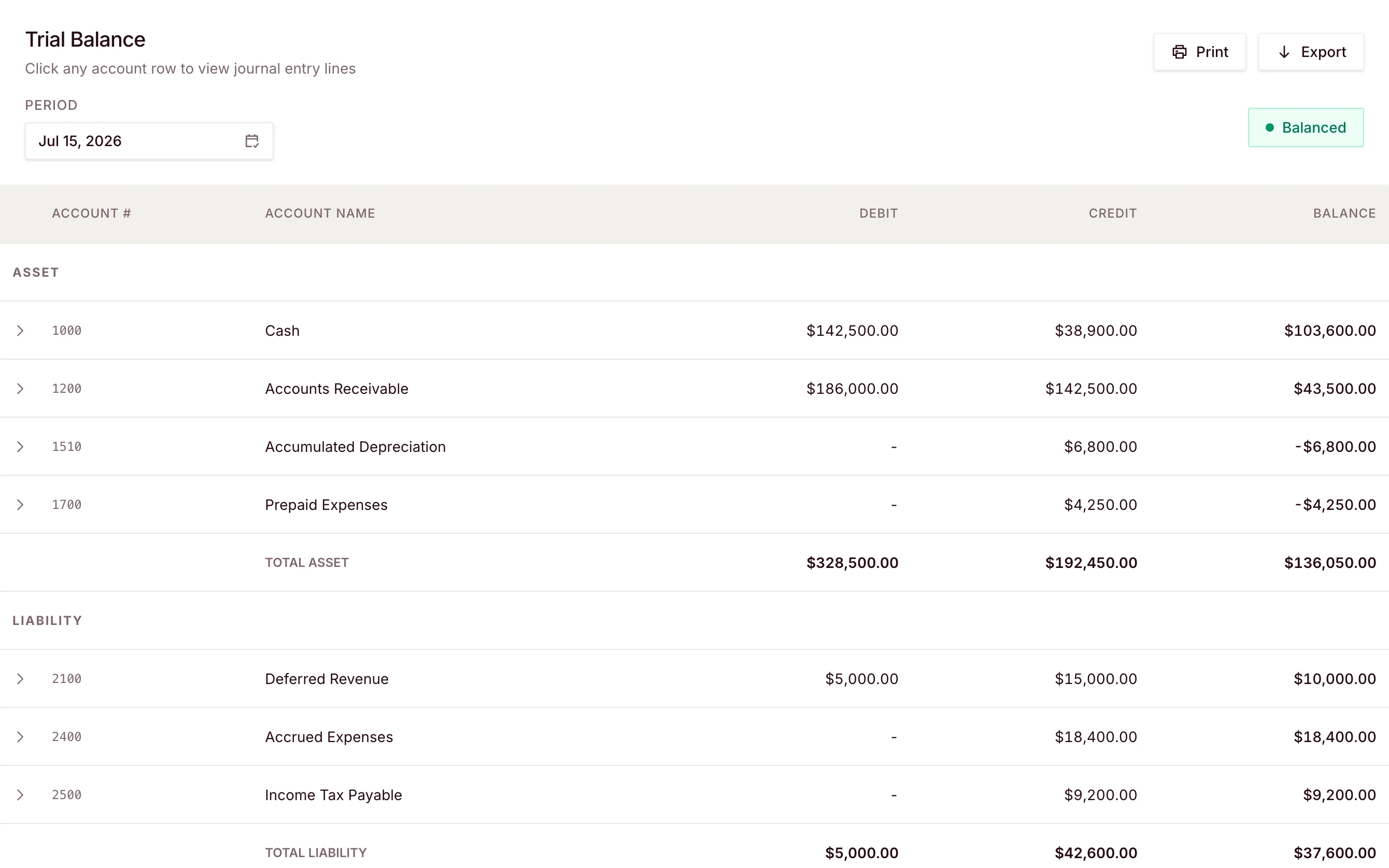
A finance system is only as useful as your team is fluent in it. The Help Center gathers guidance for setting up Rivane, running the close and working in every module, organized the way a finance team thinks about its month.
- help areas, from setup to security
- 6
- direct line to the team
- 1
Six areas, in the order you need them
- Getting started. Your workspace, your chart of accounts, your first integration and your team.
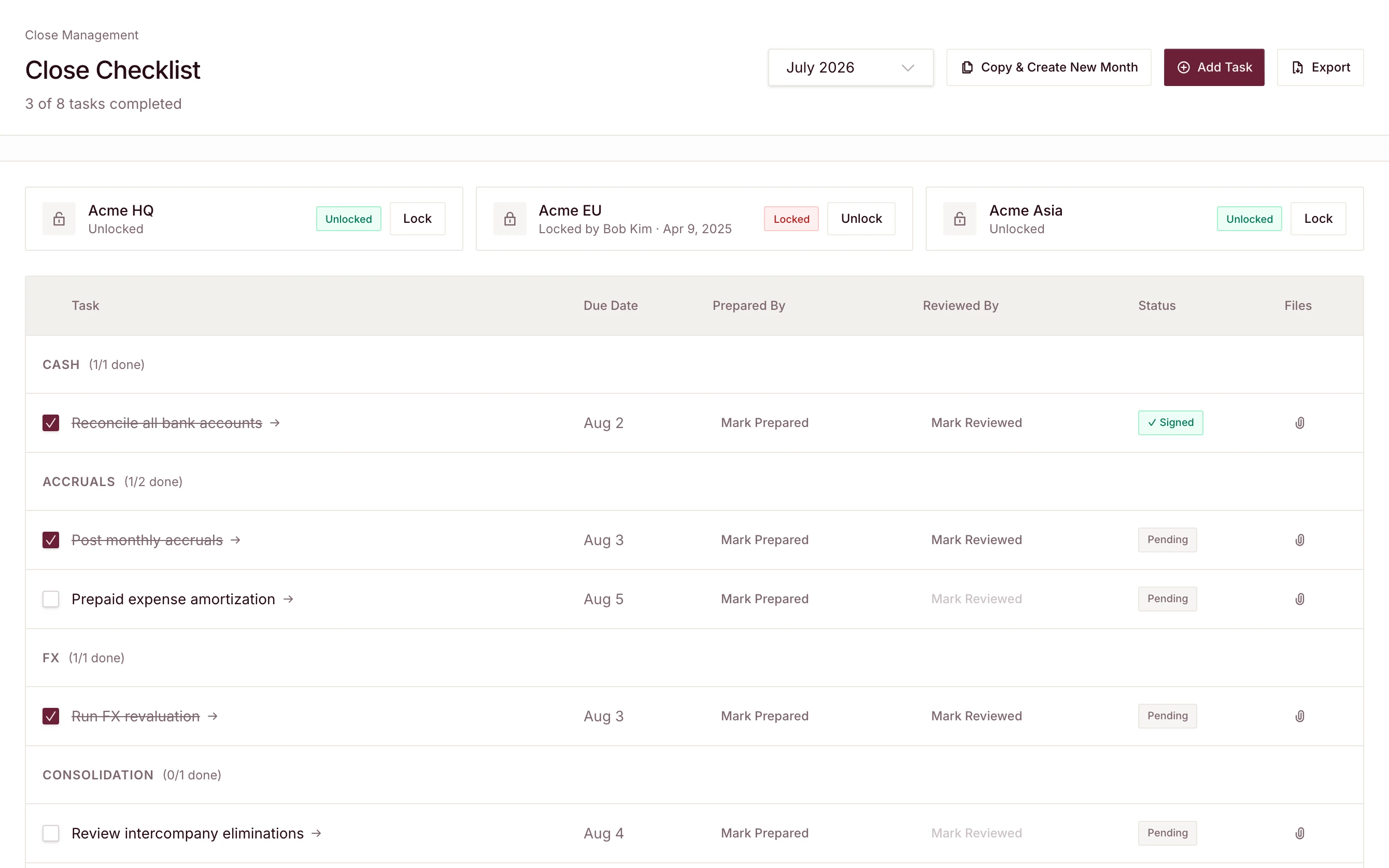
- Close and reconciliation. Close calendars, continuous reconciliation, reconciling items and task owners.
- Revenue. ASC 606 schedules, deferred revenue and usage-based models.
- Multi-entity. Entities, consolidation, FX translation and intercompany eliminations.
- Integrations. Billing, payroll and expenses, account mapping and sync troubleshooting.
- Admin and security. Role-based access, SSO and SCIM, per-entity permissions and audit logs.
Written for accountants
The areas follow the close, not the software menu. A controller looking for intercompany eliminations should find them under multi-entity, next to FX translation, not buried in a settings page.
When the answer is a conversation
Some questions are about your books, not the product. From the Help Center, Contact us reaches the team, who will help you get set up and answer questions about your close.
- 1Pick an area
Start from the step of the close you are working on.
- 2Follow the guide
Work through setup or a task in the product alongside it.
- 3Ask the team
Still stuck? Contact us, and a person picks it up.
Further reading
Questions
What does the Help Center cover?
Six areas: getting started, close and reconciliation, revenue, multi-entity, integrations, and admin and security.
Do I need an account to use it?
No. The Help Center is public, so you can read it while you evaluate Rivane.
What if I cannot find an answer?
Use Contact us. The team helps you get set up and answers questions about your books.