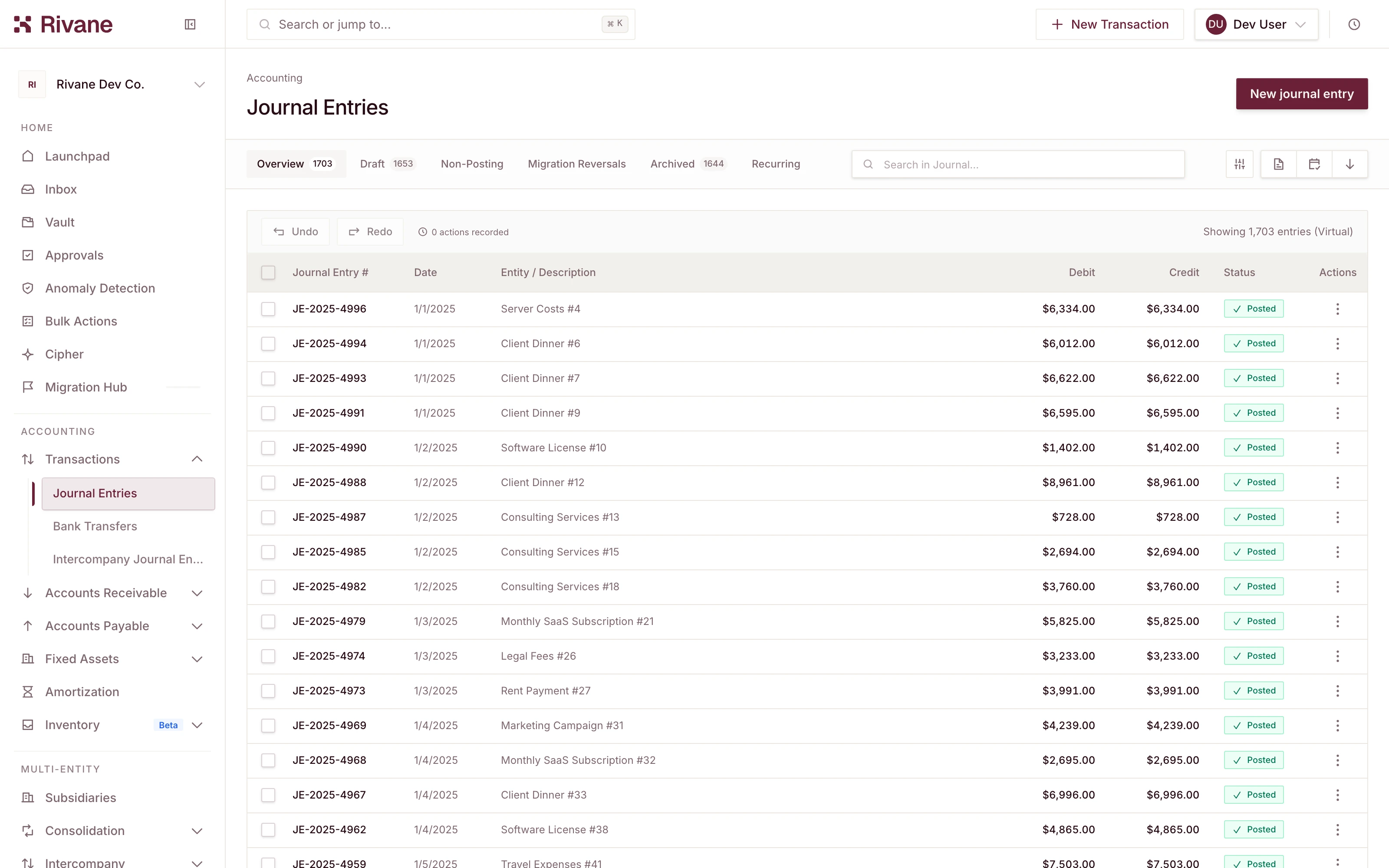
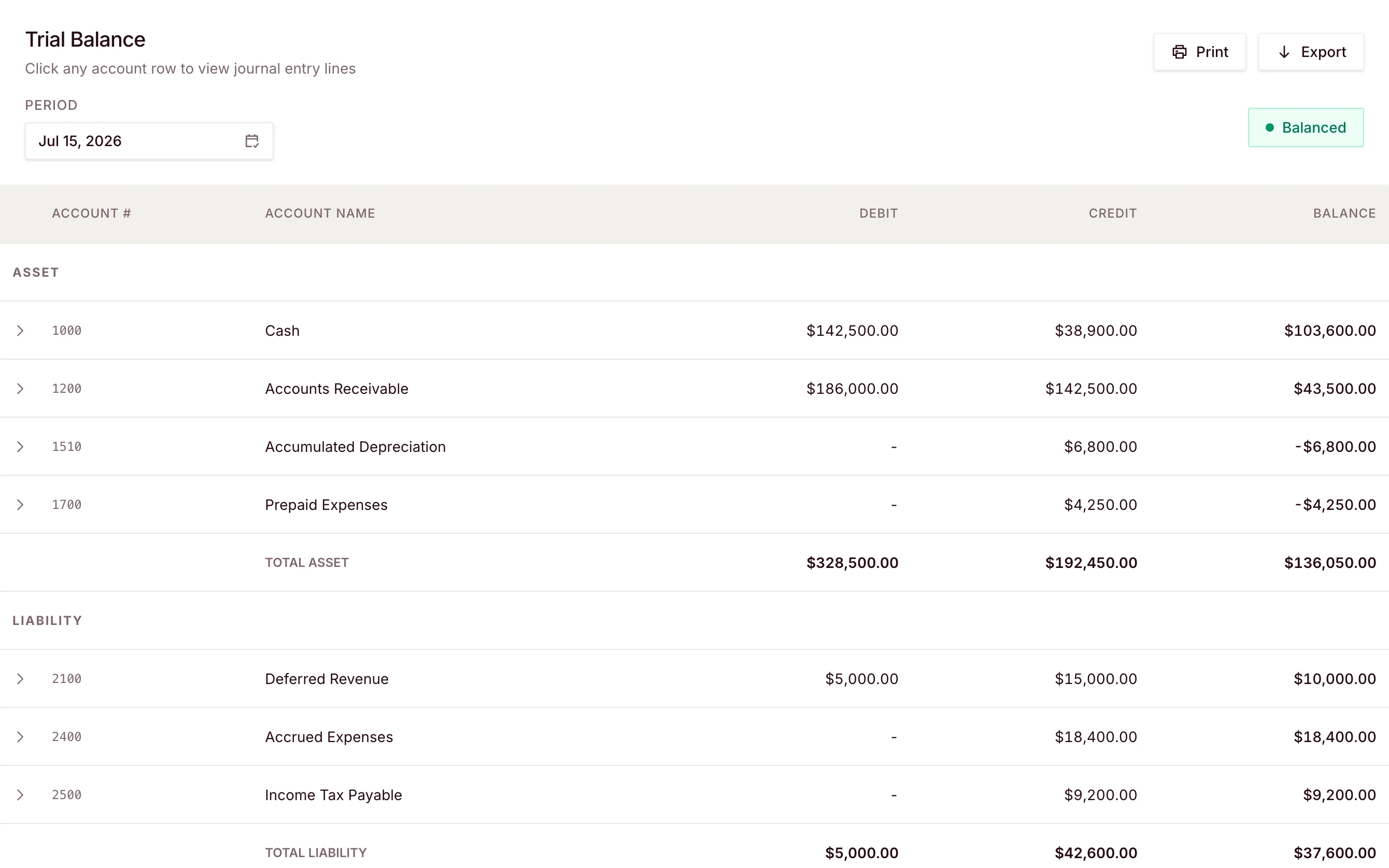
Payroll is usually the largest expense line and the most manually posted. The Rippling connector, now in early access, is designed to turn each payroll run into a journal entry mapped to your chart of accounts, split by department, so payroll close would be a review and not data entry.
- HR and payroll connectors in the catalog
- 4
- connectors in the Rivane integration catalog
- 31
- status of the Rippling connector
- Early access
What it is designed to bring across
- Payroll runs. Gross, taxes and net by run.
- Journal entries. Mapped to your chart of accounts.
- Departments. For cost allocation across the business.
Allocated by department and dimension
Payroll is designed to split by department and any custom dimension as it posts. That would feed Rivane cost allocation, which reads headcount and other drivers you already track, so shared costs follow the real business.
- Payroll report downloaded
- Journal keyed line by line
- Departments split in a workbook
- Each run posts a mapped JE
- Split by department and dimension
- Close is a review
Why does it still take days or even weeks to close month-end accounting and generate the information needed to run a business?
 Jemma EwinCEO & Co‑Founder · Global CFOJemma Ewin, CEO & Co‑Founder · Global CFO
How the connector is designed to work
- 1Connect
Link Rippling from the Rivane app.
- 2Map
Line payroll components up with your chart of accounts and dimensions.
- 3Post
Each payroll run will generate a mapped journal entry.
- 4Review
Finance will check the entry instead of building it.
Early access.This capability is not generally available yet.
Further reading
Questions
Is the Rippling integration available today?
It is in early access. Request access and the Rivane team will contact you as it rolls out.
How will payroll be posted?
Each Rippling run is designed to generate a journal entry mapped to your chart of accounts and dimensions.
Will we be able to allocate by department?
That is the design. Payroll would be split by department and any custom dimension.
How often will it sync?
The connector is designed as a scheduled sync with each payroll run, flowing one way from Rippling into Rivane.