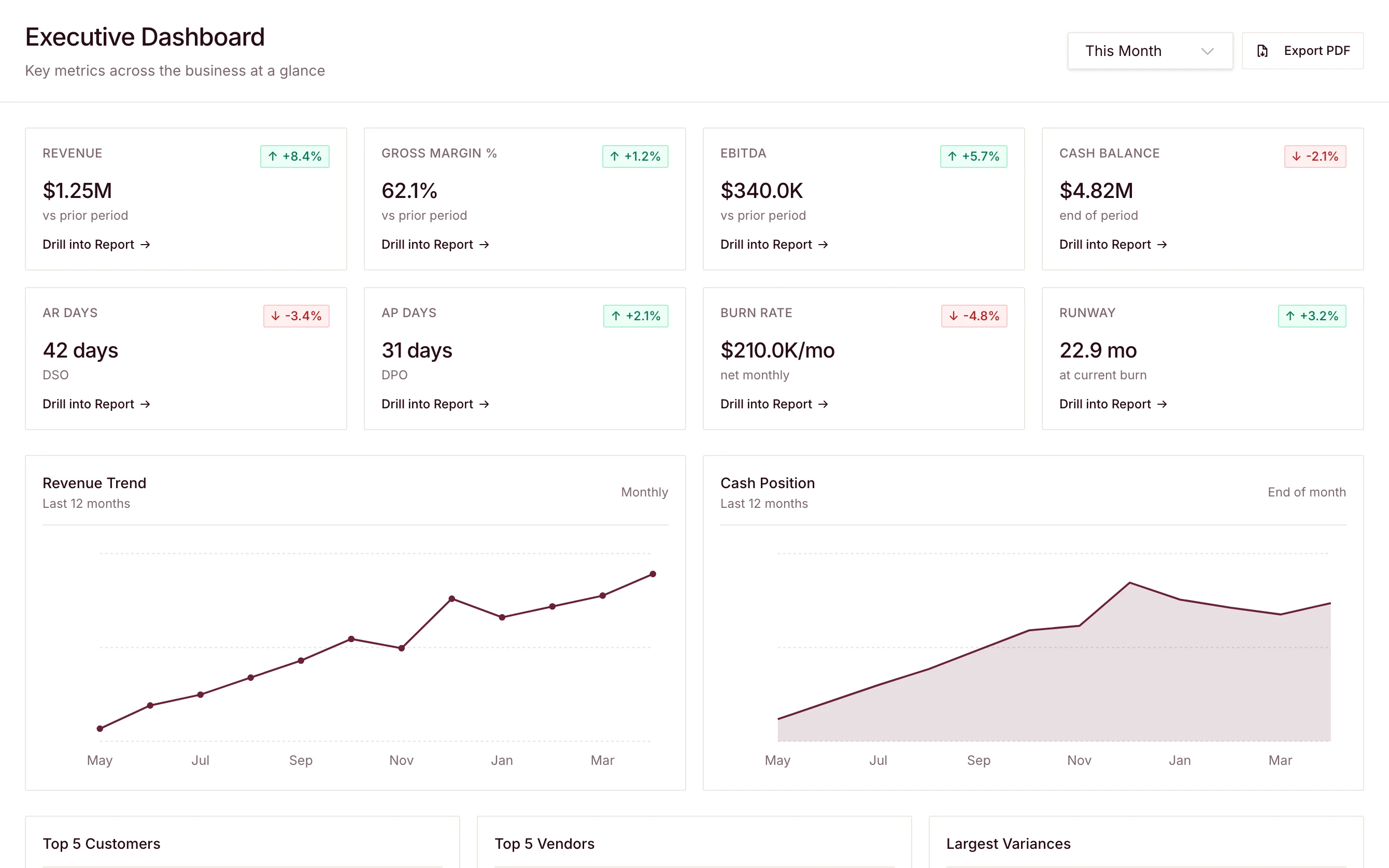
The schedules that used to live in spreadsheets now live in the ledger. Set the terms once, and Rivane posts the entries and keeps the roll-forward current every period.
- amortization schedules
- Automated
- roll-forward
- Live
- GL tie-out
- 1 click
Set up the prepaid once
Record a prepaid with its term and method. Rivane generates the full amortization schedule and posts each period’s entry, straight-line or on a custom curve, with no monthly journal to remember. Change the terms mid-way and a catch-up posts automatically.
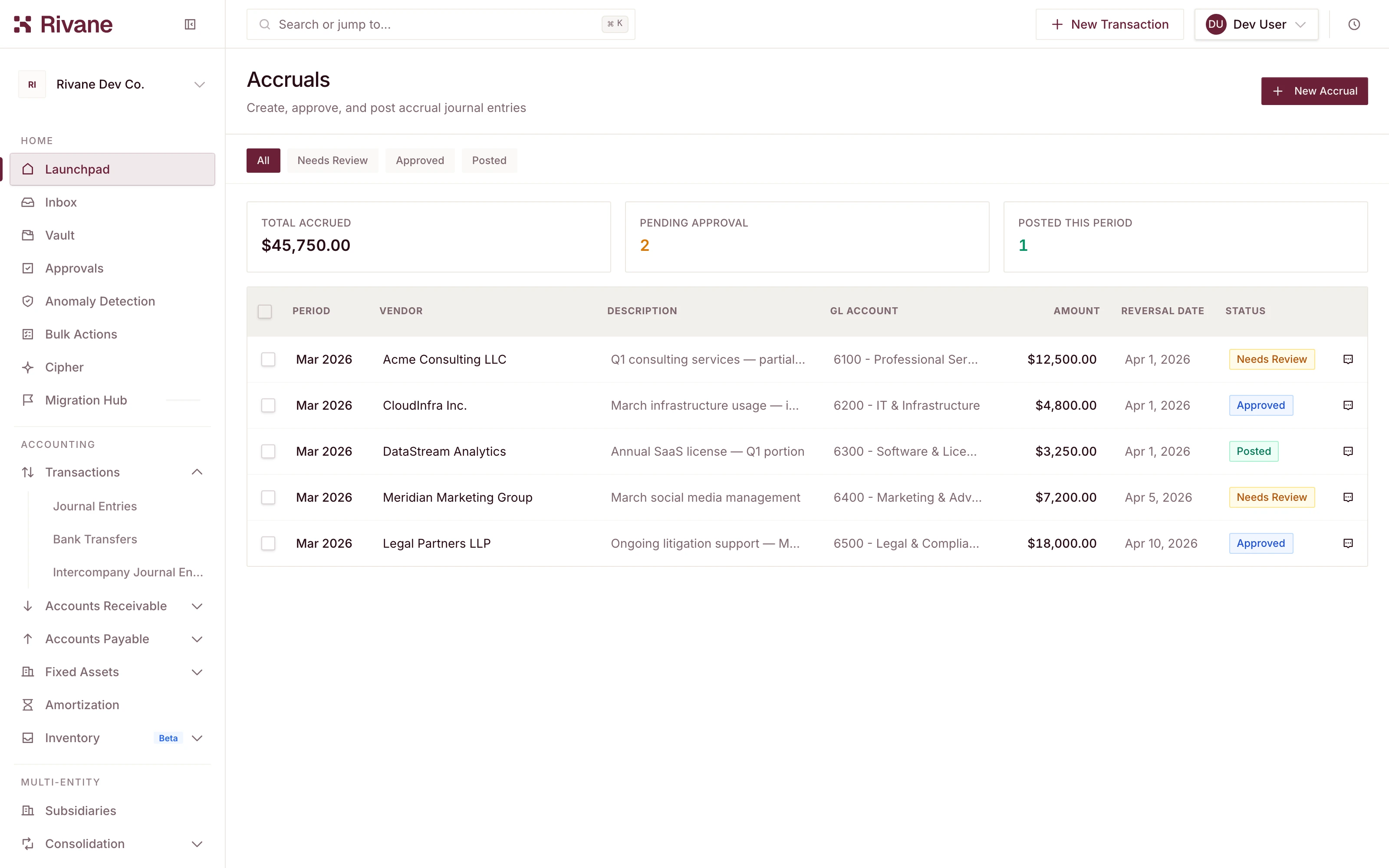
Accruals that book and reverse on their own
Recurring and estimated accruals post each period and reverse in the next, so nothing is double-counted and the team stops keying the same entries every month. Coding follows the rules you set once.
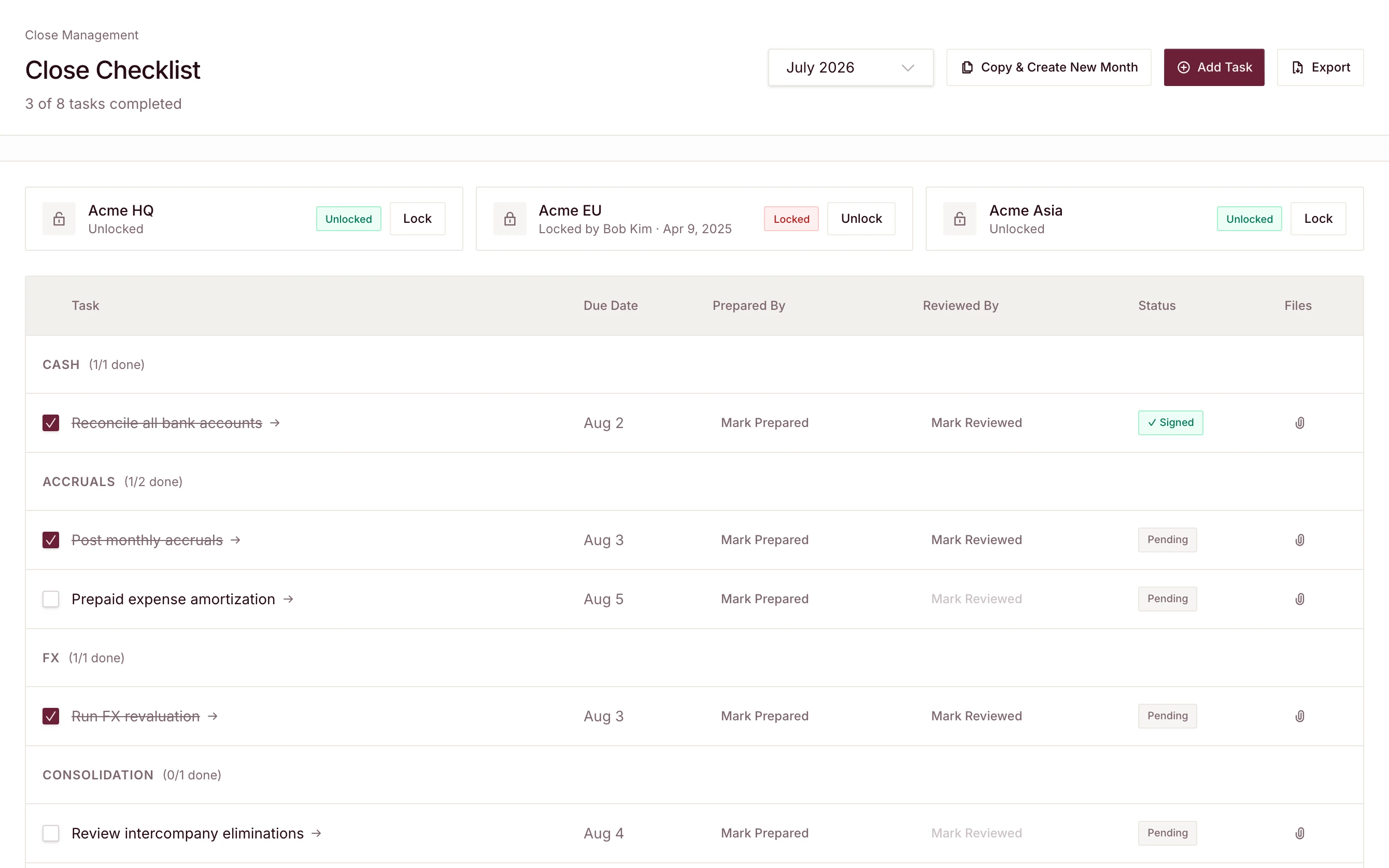
The roll-forward is always current
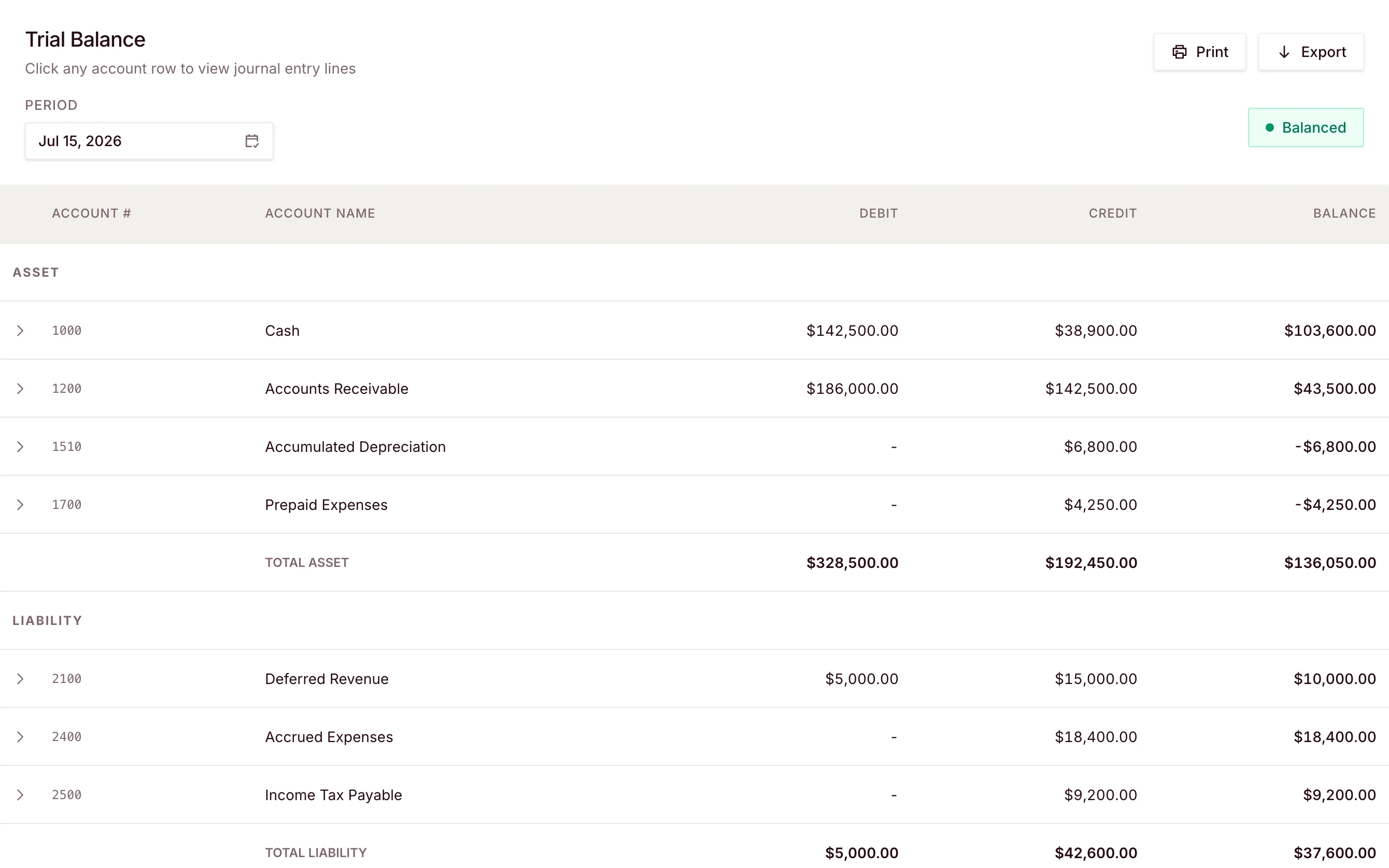
Beginning balance, additions, amortization and ending balance update as entries post. The schedule ties out to the balance sheet in one click, and supporting schedules export as audit-ready workpapers.
- A manual journal each month
- Reversals remembered by hand
- Roll-forward rebuilt each close
- Manual reconciliation
- Amortization posted automatically
- Accruals auto-reverse
- Roll-forward always current
- GL tie-out in one click
- 1Record
Enter the prepaid or accrual with its term, method and coding, once.
- 2Generate
Rivane builds the full schedule and queues every period entry.
- 3Post
Each period’s entry posts with the right coding, and accruals reverse next period.
- 4Tie out
The roll-forward reconciles to the balance sheet in one click at close.
Further reading
Questions
How are prepaid expenses amortized?
You record the prepaid with its term and method, and Rivane generates the schedule and posts each period’s amortization, straight-line or custom.
Do accruals reverse automatically?
Yes. Recurring and estimated accruals post each period and reverse in the next, so balances are not double-counted.
Is the roll-forward maintained for me?
Beginning balance, additions, amortization and ending balance update as entries post, and the schedule ties out to the balance sheet.
Can I export supporting schedules?
Prepaid and accrual schedules export as audit-ready supporting workpapers that reconcile to the general ledger.
What happens when the terms change mid-way?
The schedule recalculates and a catch-up entry posts automatically.