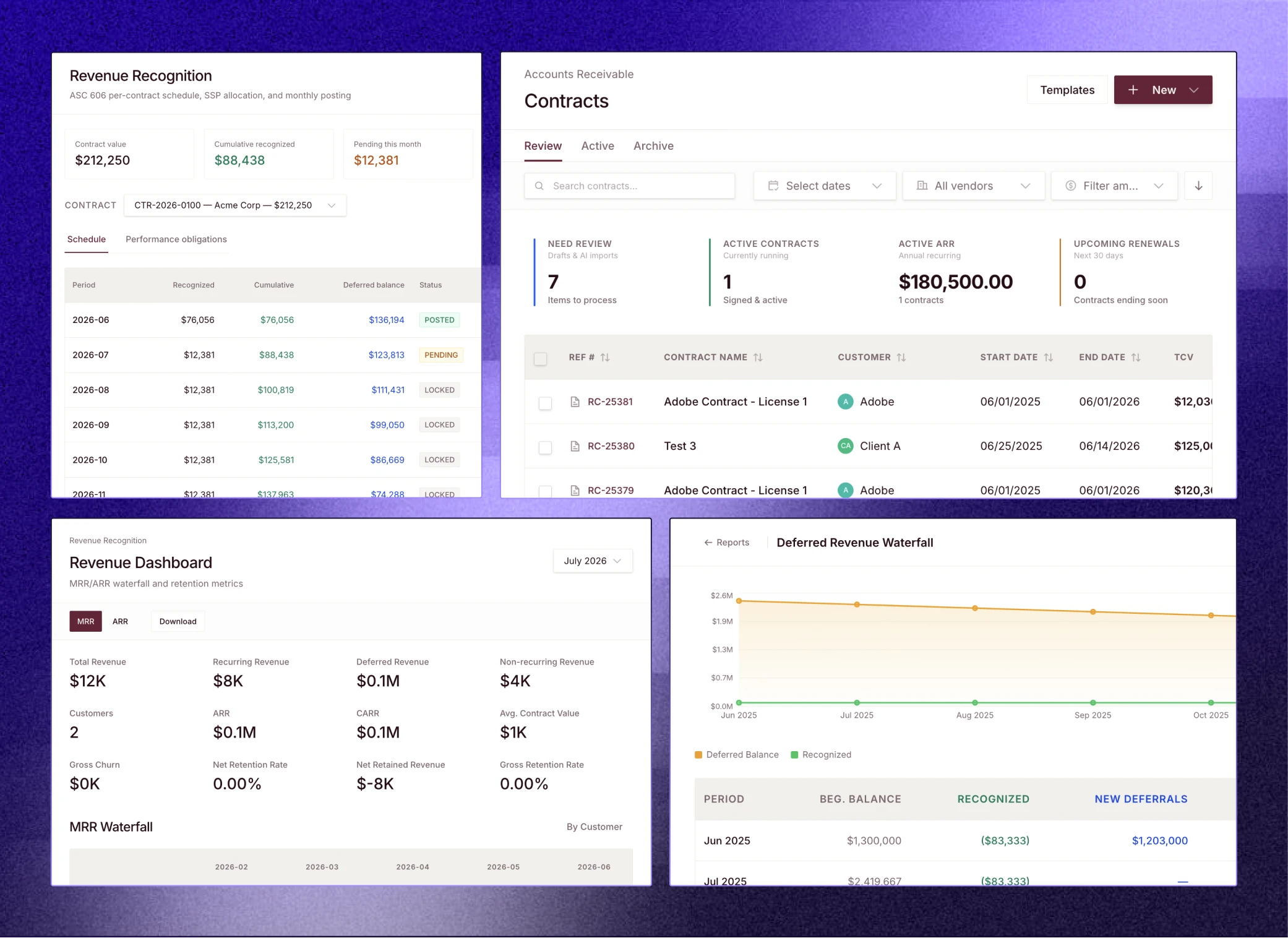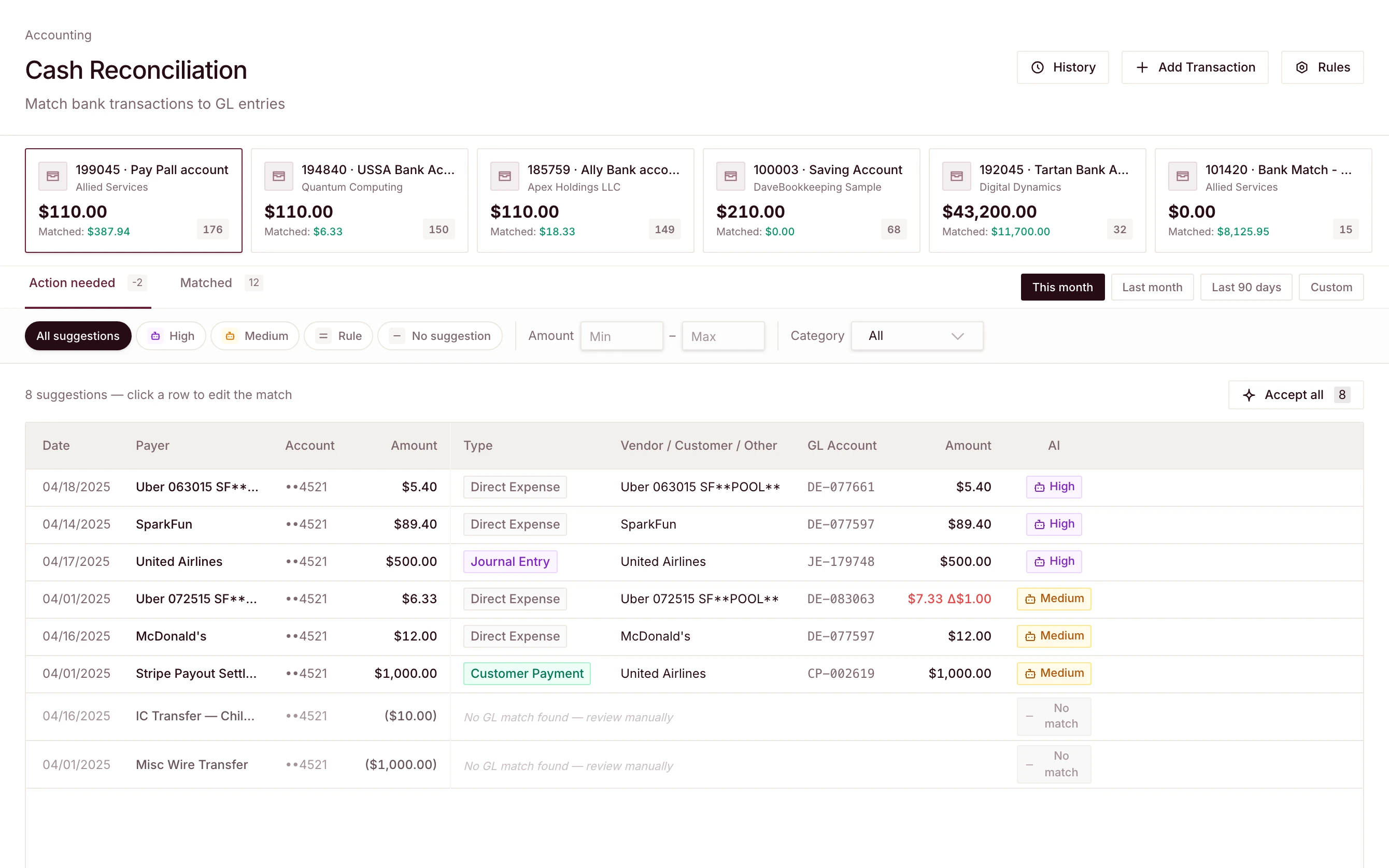
Accountants were trained to apply judgement, then handed a job of ticking, tying and rekeying. Rivane takes the keystrokes so you keep the judgement: matching clears itself, documents are read for you, coding is suggested from your history, and you review a short queue of what genuinely needs you.
- daily steps: match, capture, code, review
- 4
- capture on bills and invoices
- Line-item
- posted without your approval
- None
Jemma Ewin is a Chartered Accountant with Chartered Accountants Australia and New Zealand. As Divisional Commercial Finance Manager at Opal, a sales and AR cash review uncovered A$5M of lost revenue from ERP currency FX and Ship-To errors. Clean source data, and an accountant reviewing it, is where reliable books start.
Judgement cannot be outsourced. A human must remain in the loop, applying critical review and sense checking before any machine generated outputs are relied upon.
 Jemma EwinCEO & Co‑Founder · Global CFOJemma Ewin, CEO & Co‑Founder · Global CFO
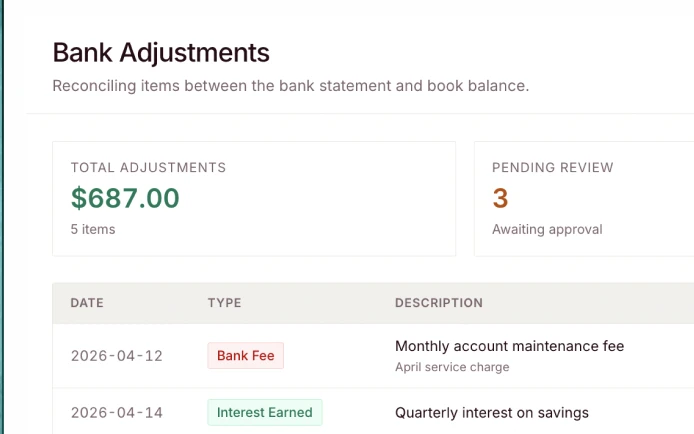
Reconciliation that clears itself
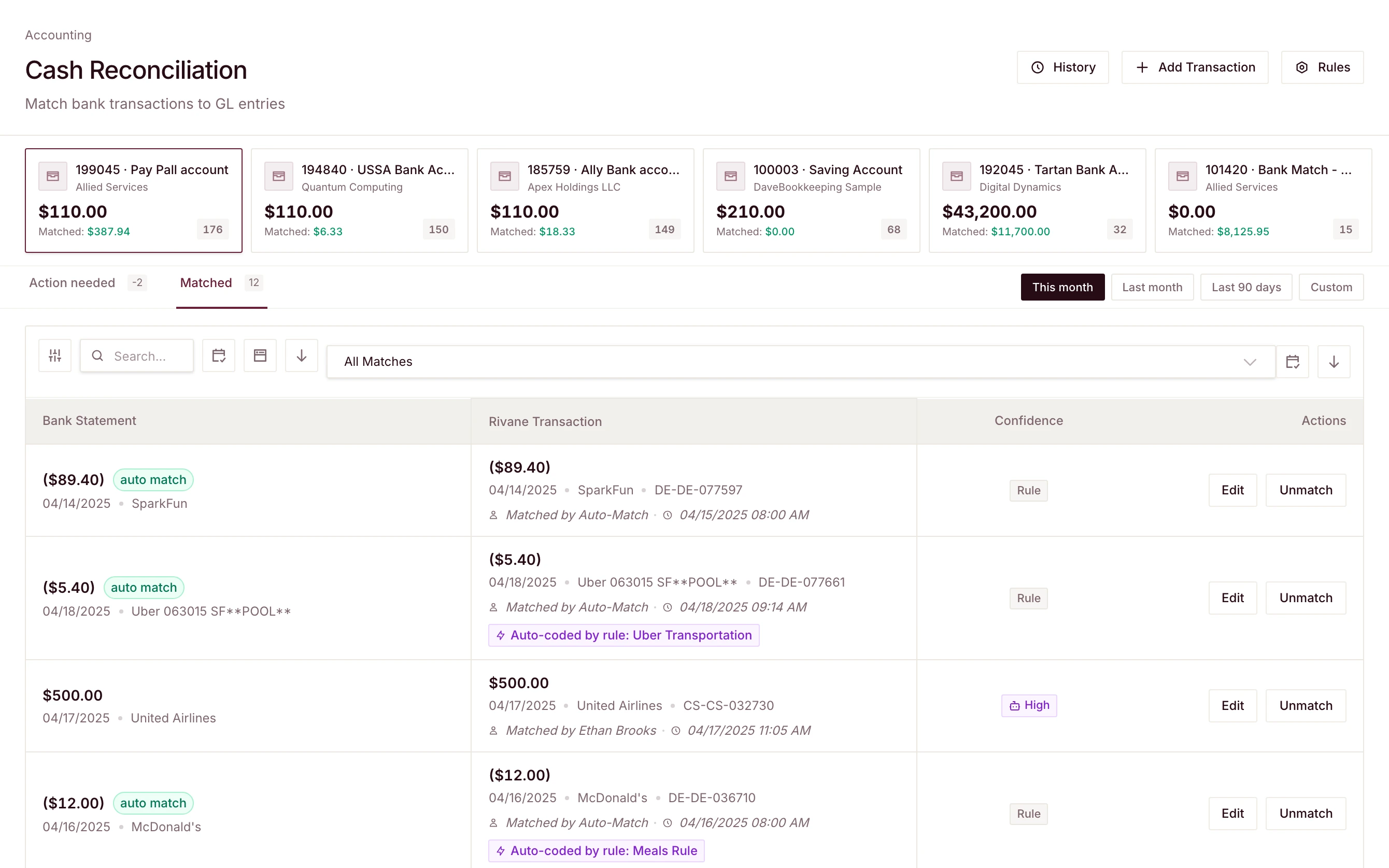
- Match. Continuous matching links bank and GL activity as it lands, with exceptions ranked by what needs attention.
- Capture. Invoices and bills are read at line-item level and coded from vendor and history; anything unclear is routed for review.
- Code. Rivane proposes the account, class and dimensions from prior decisions, and you can override any suggestion in place.
- Review. Human-in-the-loop by default: approve or edit before anything posts.
- Ticking thousands of clean lines
- Rekeying invoice lines into the GL
- Rebuilding recurring schedules monthly
- Hunting folders for audit support
- Work a short, ranked exception queue
- Confirm suggested coding
- Review entries that post on schedule
- Answer auditors from the trail
Further reading
Questions
Will AI post entries without me?
No. Rivane proposes matches and entries; you review and approve. Human-in-the-loop is the default.
How does document capture handle unclear items?
Invoices and bills are read at line-item level, and anything ambiguous is flagged for review rather than posted.
Where do coding suggestions come from?
From your history and prior decisions, so coding stays consistent across the team. Any suggestion can be overridden in place.
Does it help with audit prep?
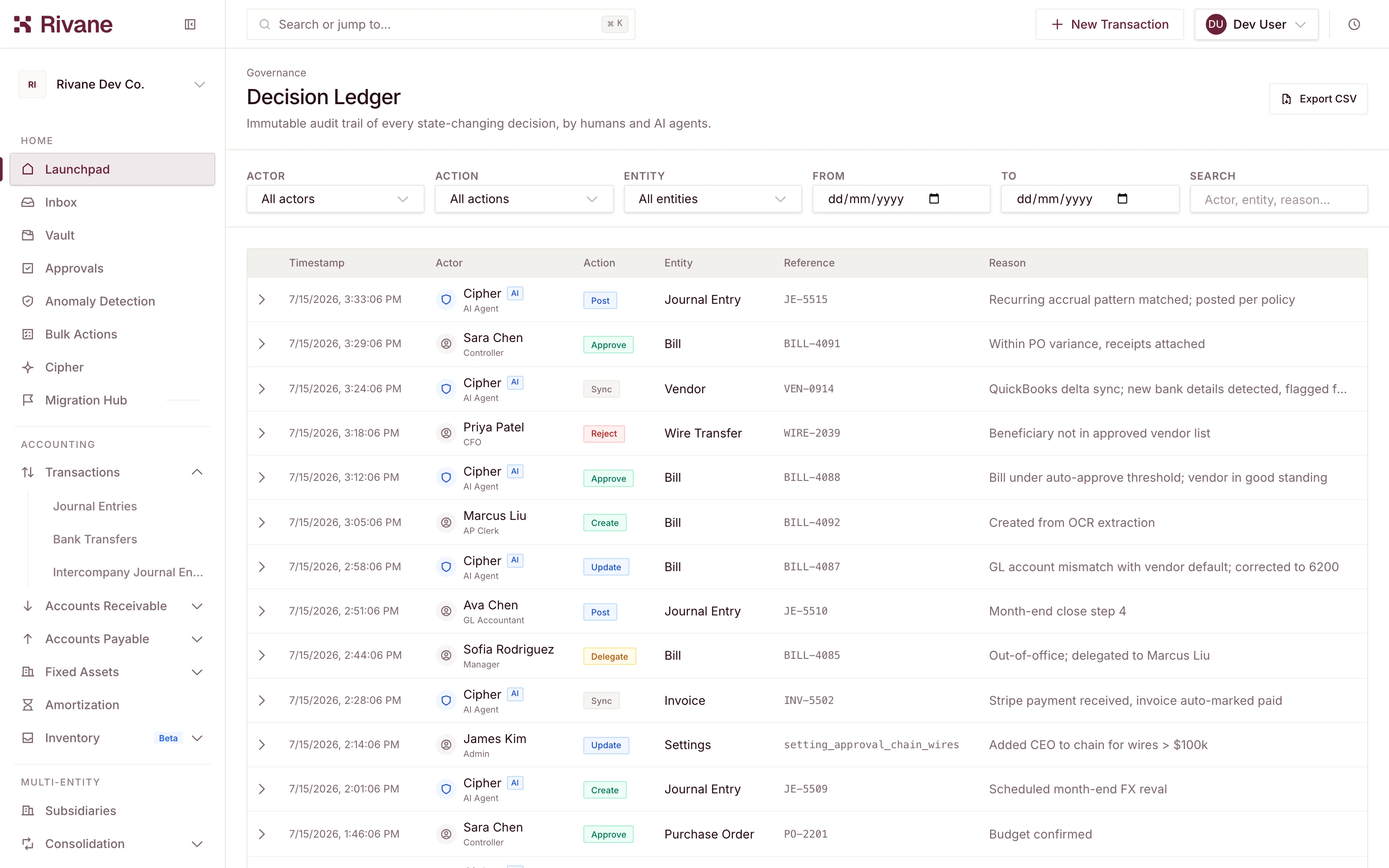
Yes. Every action is logged with owner and timestamp and exports into audit-ready workpapers.