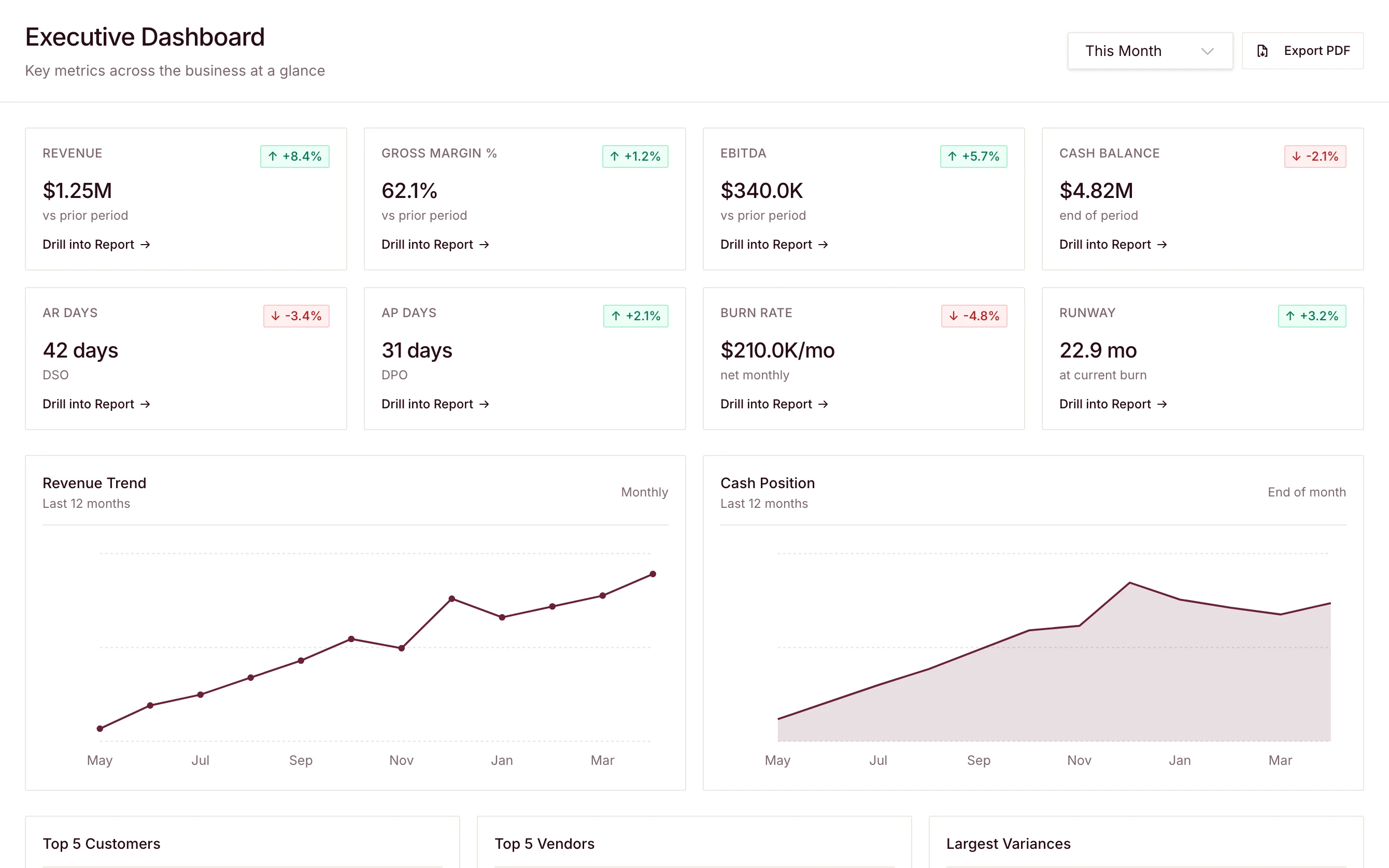
Revenue is lost in the handoffs: an order keyed into one system, shipped from another, billed from a third. In Rivane, one record carries the order from entry to invoice, and the ledger moves with it.
- lost revenue Jemma found at Opal
- $5M
- shared states: open, shipped, invoiced
- 3
- record from order to cash
- 1
What a cash review can find
At Opal, a sales and AR cash review led by Jemma uncovered $5M of lost revenue from ERP currency FX and Ship-To errors. Errors like those start at order entry and compound downstream. Rivane captures pricing, terms and customer detail once, at the start, and carries them forward.
Garbage in, garbage out. If data integrity is weak, machine generated variance analysis will be compromised.
 Jemma EwinCEO & Co‑Founder · Global CFOJemma Ewin, CEO & Co‑Founder · Global CFO
Status everyone can see
- Right price at entry. Customer-specific pricing and terms are applied automatically.
- One live status. Sales, operations and finance read the same open, shipped and invoiced state.
- Partials handled. Split shipments and back orders are invoiced to exactly what shipped.
- Credits tied back. Returns and credits link to the original order and revenue.
From fulfilled order to invoice and revenue
As orders fulfill, Rivane converts them to invoices and posts to the general ledger as it happens. Receivables and revenue stay aligned with what actually shipped, with nothing rekeyed between systems.
- Rekeyed between systems
- Status siloed per team
- Partial shipments by workaround
- Ledger batched later
- One connected flow
- Live, shared status
- Partial shipments handled cleanly
- Posts as it happens
- 1Enter
Capture the order with customer pricing, terms and coding in a single record.
- 2Fulfill
Track it through open, shipped and invoiced, including partials and back orders.
- 3Invoice
Fulfilled orders convert to invoices, tied to what shipped.
- 4Post
Invoicing posts to the ledger, keeping AR and revenue in step.
Further reading
Questions
How does an order become an invoice?
As orders fulfill, Rivane converts them to invoices automatically and posts to the ledger, with no rekeying between order entry and billing.
Can I track fulfillment status?
Yes. Every order shows its state from open through shipped to invoiced, including partial shipments and back orders, in one shared view.
How are partial shipments handled?
Split shipments and back orders are invoiced and recognized against what actually shipped.
Is customer pricing applied automatically?
Yes. Customer-specific pricing and terms are applied at order entry.
Does order activity stay in sync with the ledger?
Fulfillment and invoicing post to the general ledger as they happen, keeping receivables and revenue aligned.