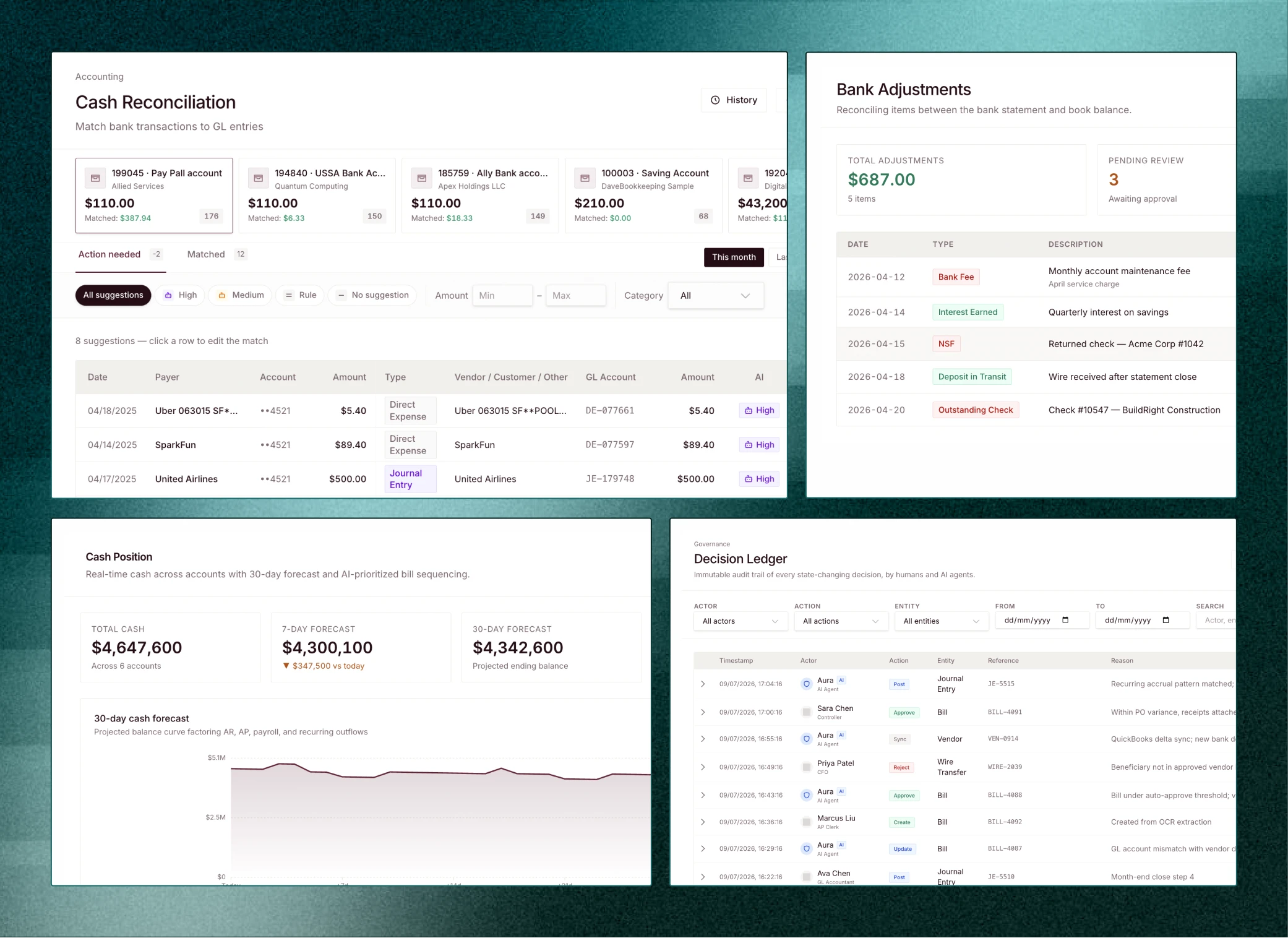
Reconciliation should not be a month-end event. In Rivane it runs every day, so by the time you close, the matching is already done and your team is reviewing exceptions, not chasing thousands of lines.
- matching cadence, no month-end batch
- Daily
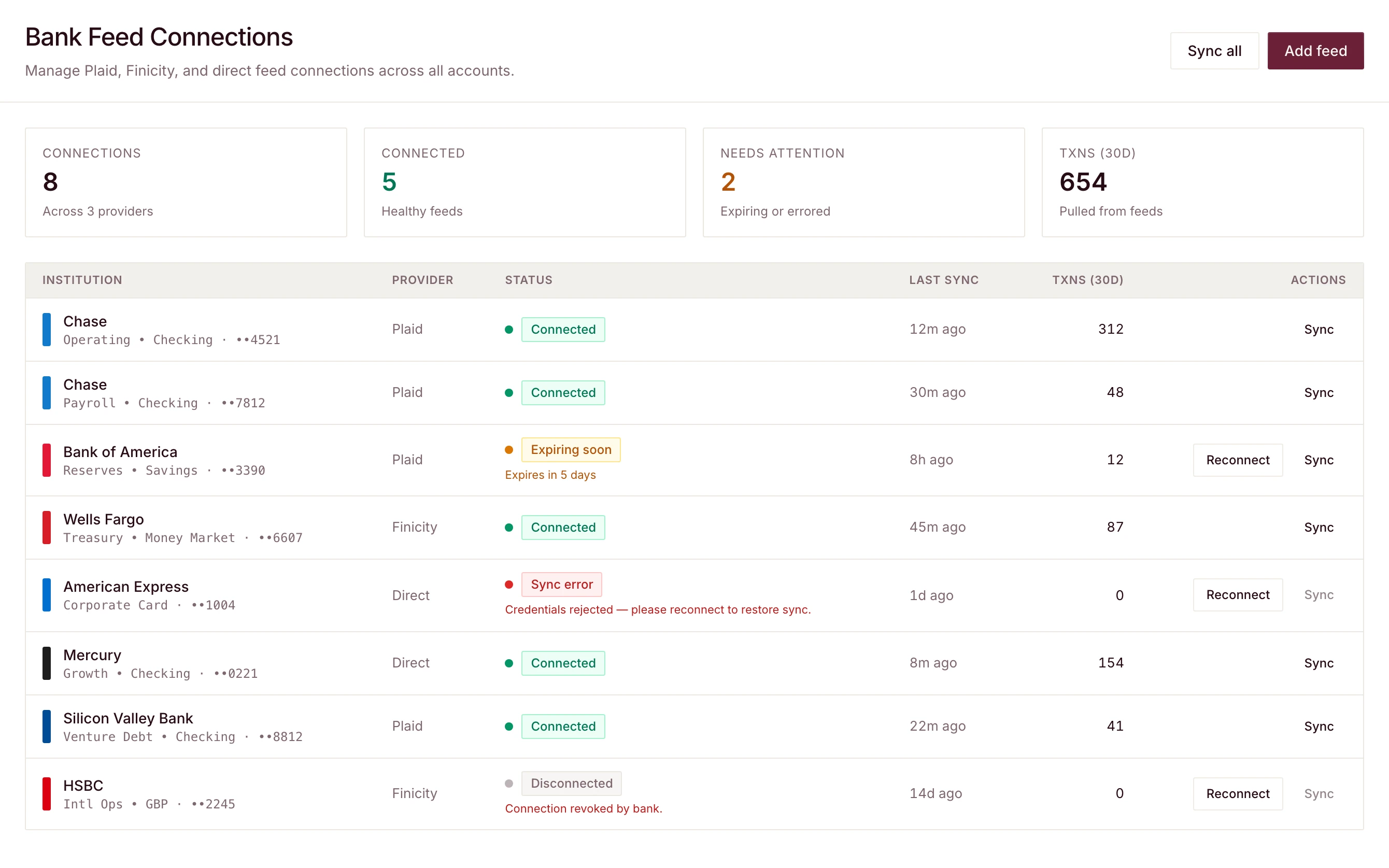
- source types in one view: bank, processor, billing
- 3
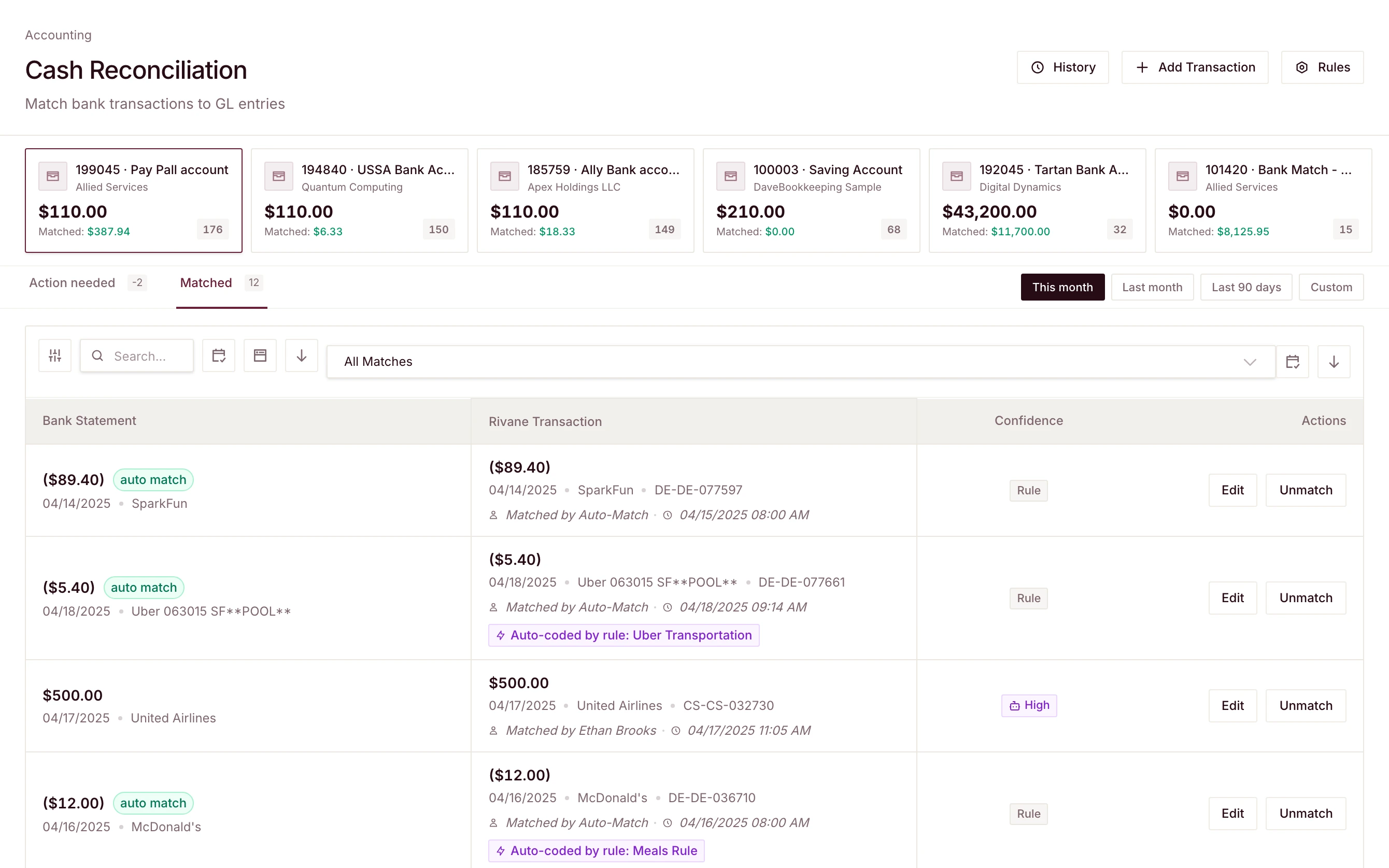
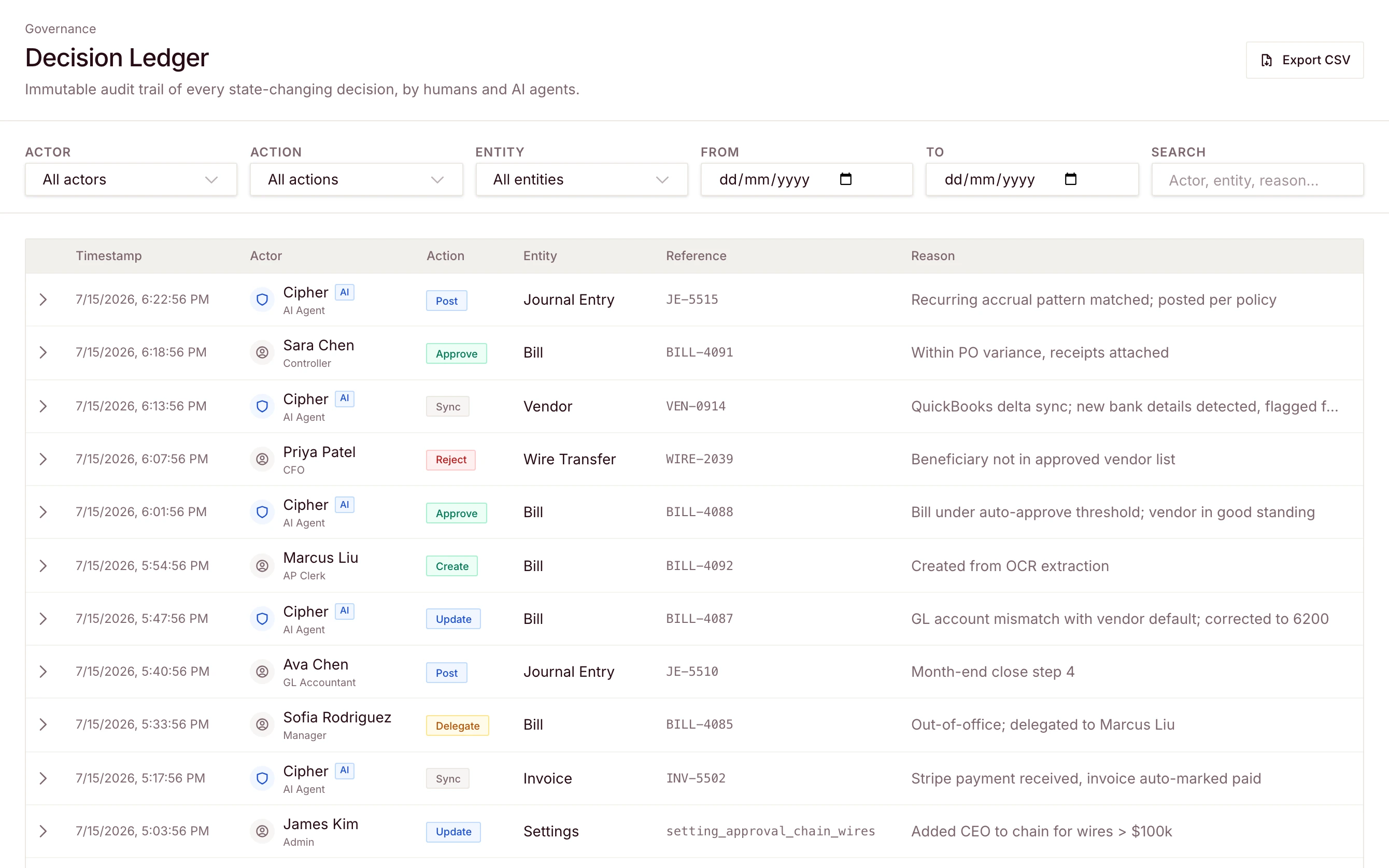
- match and override logged with owner and time
- Every
Having led transformations that reduced month-end reporting from 60 days to Working Day 2, I set my sights on Working Day Zero: a fully reconciled trial balance every morning.
 Jemma EwinCEO & Co‑Founder · Global CFOJemma Ewin, CEO & Co‑Founder · Global CFO
Matching that never waits
Transactions match the moment they land, by amount, date and reference, with the tolerances and date offsets you set. Clean lines clear themselves. Match rates rise as Rivane learns your patterns.
Your team resolves only what broke
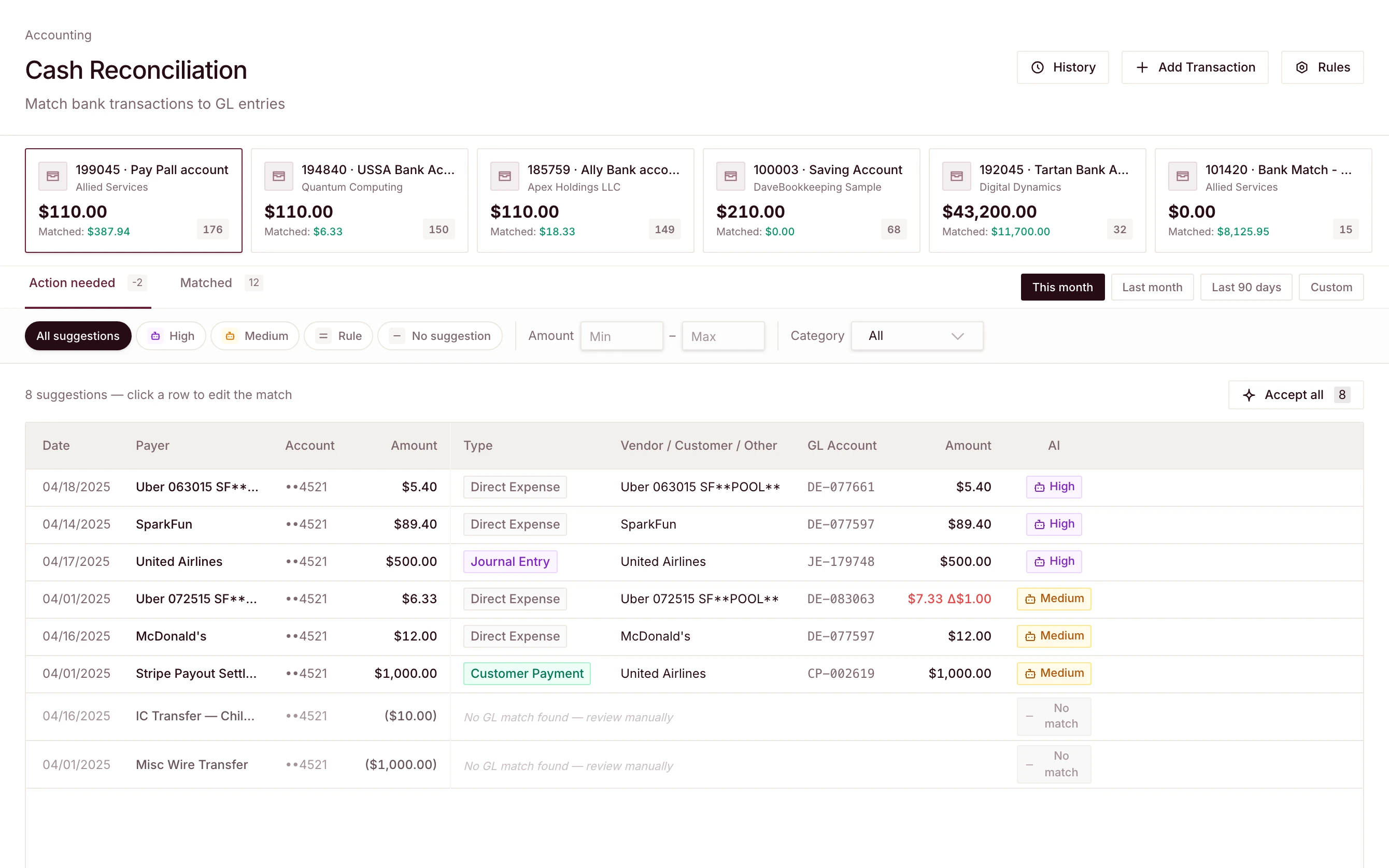
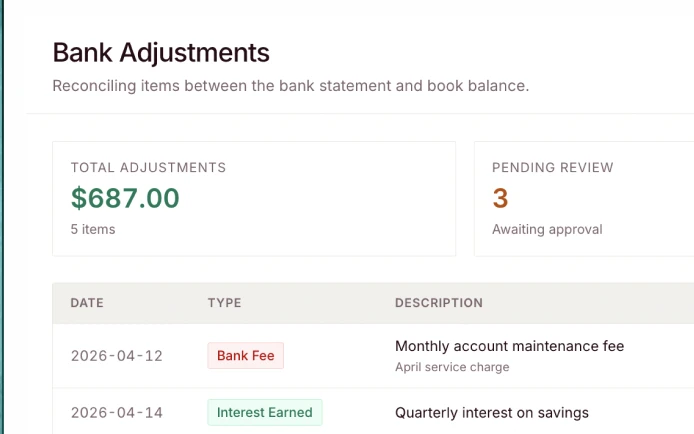
- Partial payments and timing gaps. Anything that cannot match confidently lands in the queue with a suggested resolution.
- Many to one, one to many. Payments that break simple matching reconcile in the same view.
- Owners and bulk resolve. Assign each exception, and clear repeat patterns in one pass.
- Anomaly flags. Unusual patterns surface for review before they post.
- Once at month-end
- Every line reviewed
- Days of matching backlog
- Workpapers built by hand
- Every day
- Exceptions only
- No month-end backlog
- Workpapers generated from match history
- 1Ingest
Bank, processor and billing transactions stream in as they post.
- 2Match
Amount, date and reference, within your tolerances.
- 3Resolve
A person confirms each suggested match in the queue.
- 4Attest
Every match and override becomes an audit-ready workpaper.
Further reading
Questions
How does automatic matching work?
Rivane matches by amount, date and reference with configurable tolerances and date offsets, and learns your patterns to raise match rates over time.
What lands in the exception queue?
Anything that cannot be matched confidently: partial payments, timing gaps or unknown references. Each comes with a suggested resolution.
Can I reconcile more than bank accounts?
Yes. Bank feeds, payment processors and billing systems reconcile in one place, including many to one and one to many matches.
Does a person still approve the matches?
Clean matches clear by your rules. Anything ambiguous waits in the queue for a person to confirm, and every override is logged with its owner.
Is the audit trail export-ready?
Every match and override is logged with a timestamp and owner, and exports directly into audit-ready workpapers.